THE DISTANCE IS BUILT, NOT GIVEN
One kilometre
at a time.
Set a distance goal and finish date that feel right for you. Start where you are, keep a simple log, and build toward 10K and beyond.
— days to your goal date
THE LONG GAME
Progress you can feel.
LONGEST RUN
1.0km
STARTYOUR DISTANCE GOAL 10 KM
1 km10% of your goal10 km
km
Set a start date, end date, and distance from 1 to 100 km. Your plan updates automatically.
Dates saved in this browser.Distance goal saved in this browser.A GENTLE DAILY CHECK-IN
Your day, in your numbers.
Bring over the stats your watch recorded. You choose what to track, and you can update a day whenever you need.
TRACKING · YOUR CHOICE
Manual entry works on this website. Watch syncing is optional in the phone app and happens only when you tap to sync—never in real time.
How do I connect a watch?See the steps
A browser page can’t pair with a watch directly. Your watch first needs to share its readings with a health app on your phone.
- 01
Sync your watch to your Android phone
Set it up in the watch maker’s companion app. If supported, turn on sharing to Health Connect.
- 02
Open the Road to 10K+ Android app
In Daily activity, tap Connect health app and allow read access to steps, active calories, and heart rate.
- 03
Sync whenever you’re ready
Tap Sync health data to bring in up to seven days of readings. Nothing syncs live or in the background.
Availability: The website supports manual entry. The Android app is currently a test build, not an app-store release. Watch sync depends on your watch and its companion app sharing the readings you want with Health Connect.
YOUR CHECK-INToday
STEPS—Add a daily total
stepsACTIVE CALORIES—Use your watch’s estimate
kcalHEART RATE—Add a reading from your watch
bpmA little week at a time
The last seven days
Your weekly view will grow with each check-in.
Step totals for the selected day and the six days before it.
A PLAN WITH ROOM TO BREATHE
Small steps. Strong finish.
Your milestones adjust to the distance goal and date you choose. Keep each run comfortable, listen to your body, and let the distance grow at its own pace.
THE FIRST PAGES
A goal becomes real when you can see the next step.
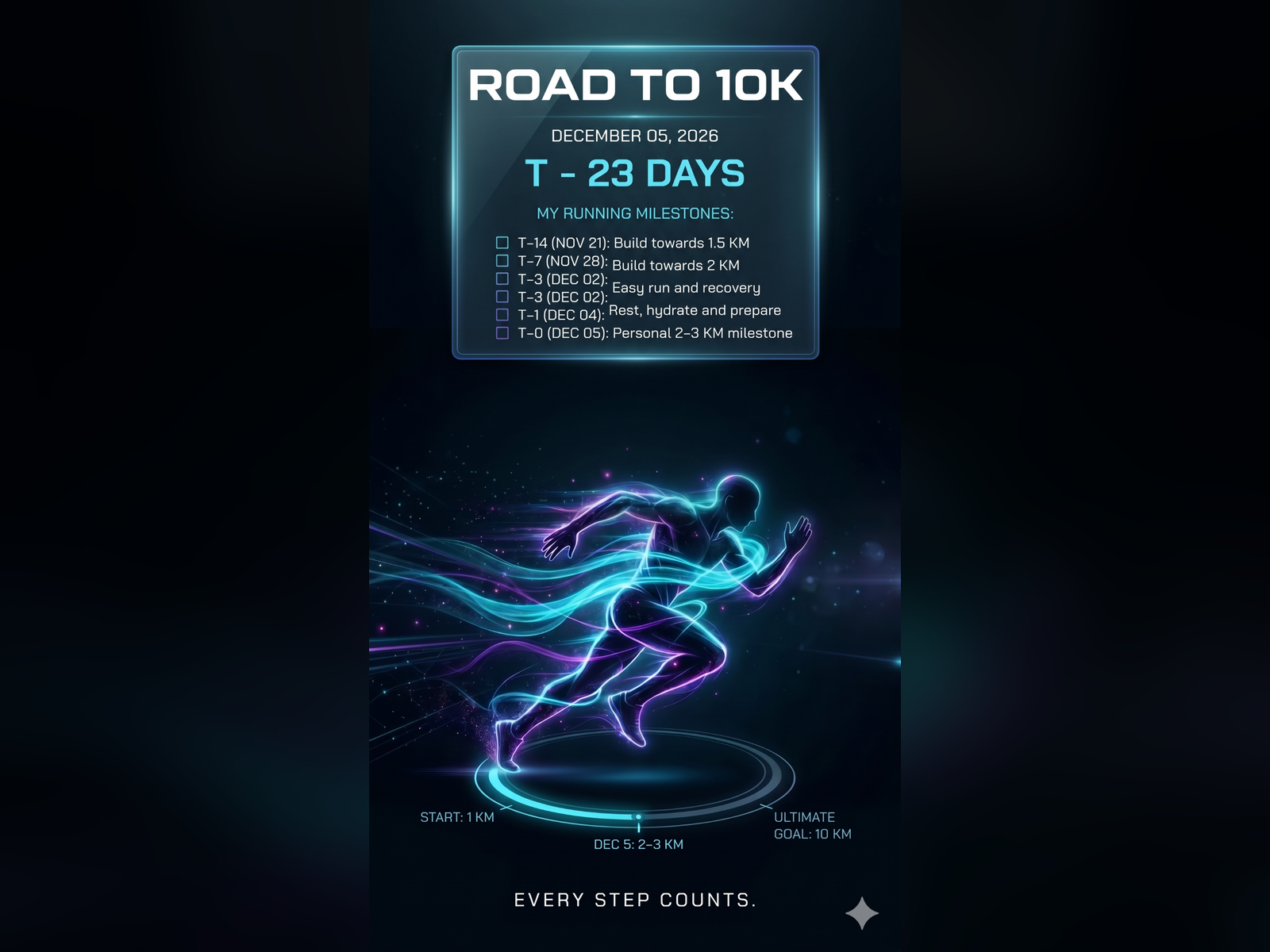
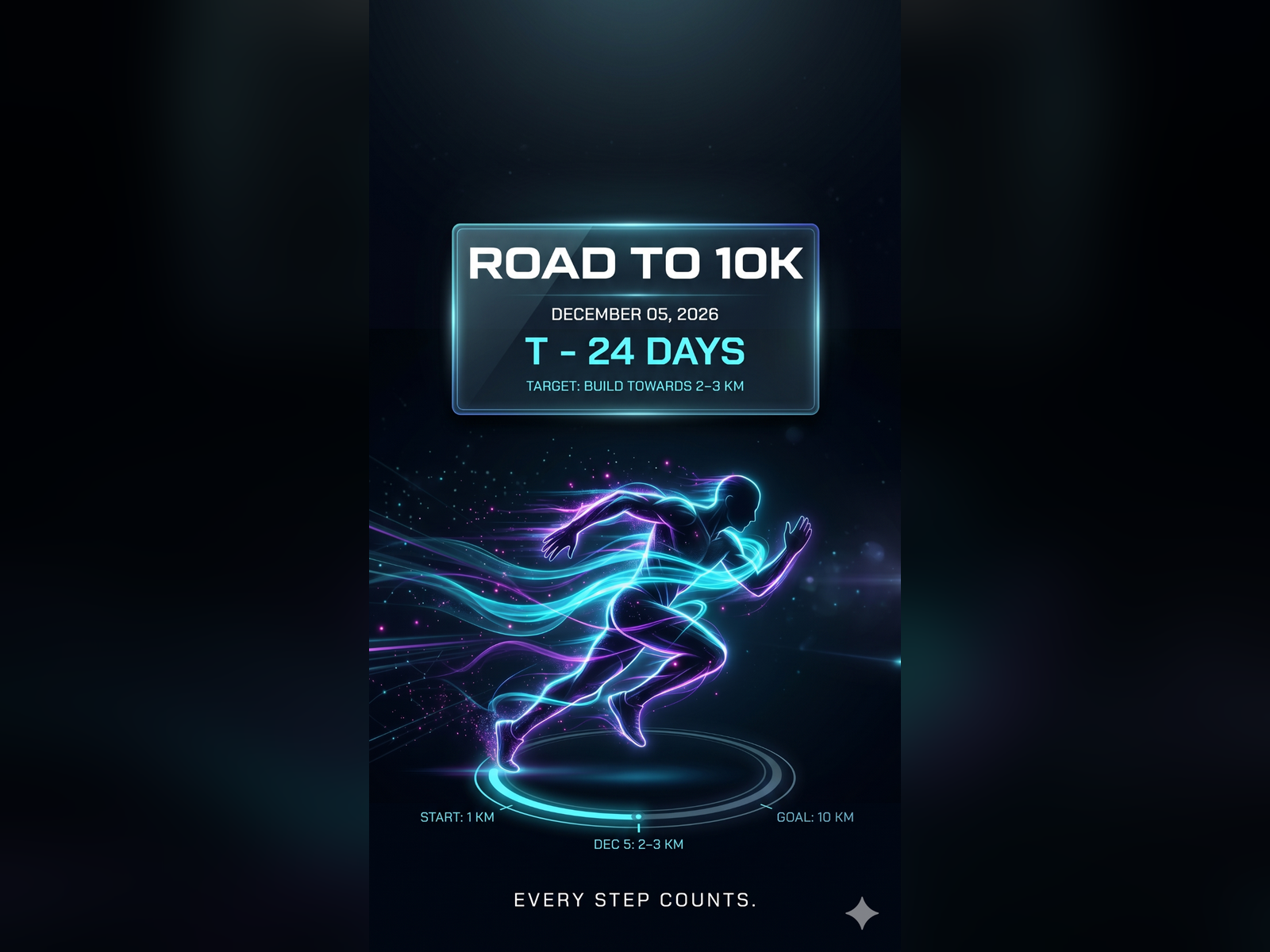
These original posters mark the beginning. Their printed dates stay as they were; the checkpoint and training plan above follow the date you choose.
YOUR MILES, YOUR STORY
Keep a little proof.
Add a run whenever you’re ready. Your entries stay in this browser on this device.